1 / 11
Focused planner · Plan & grow
Academic Planner
From term chaos to quietly on top of it all
★★★★★ 4.8 from 400+ reviews on our Etsy shop€32.00€40.00Launch price
Classes, deadlines and grades in one place. No more term chaos.
Features you'll love
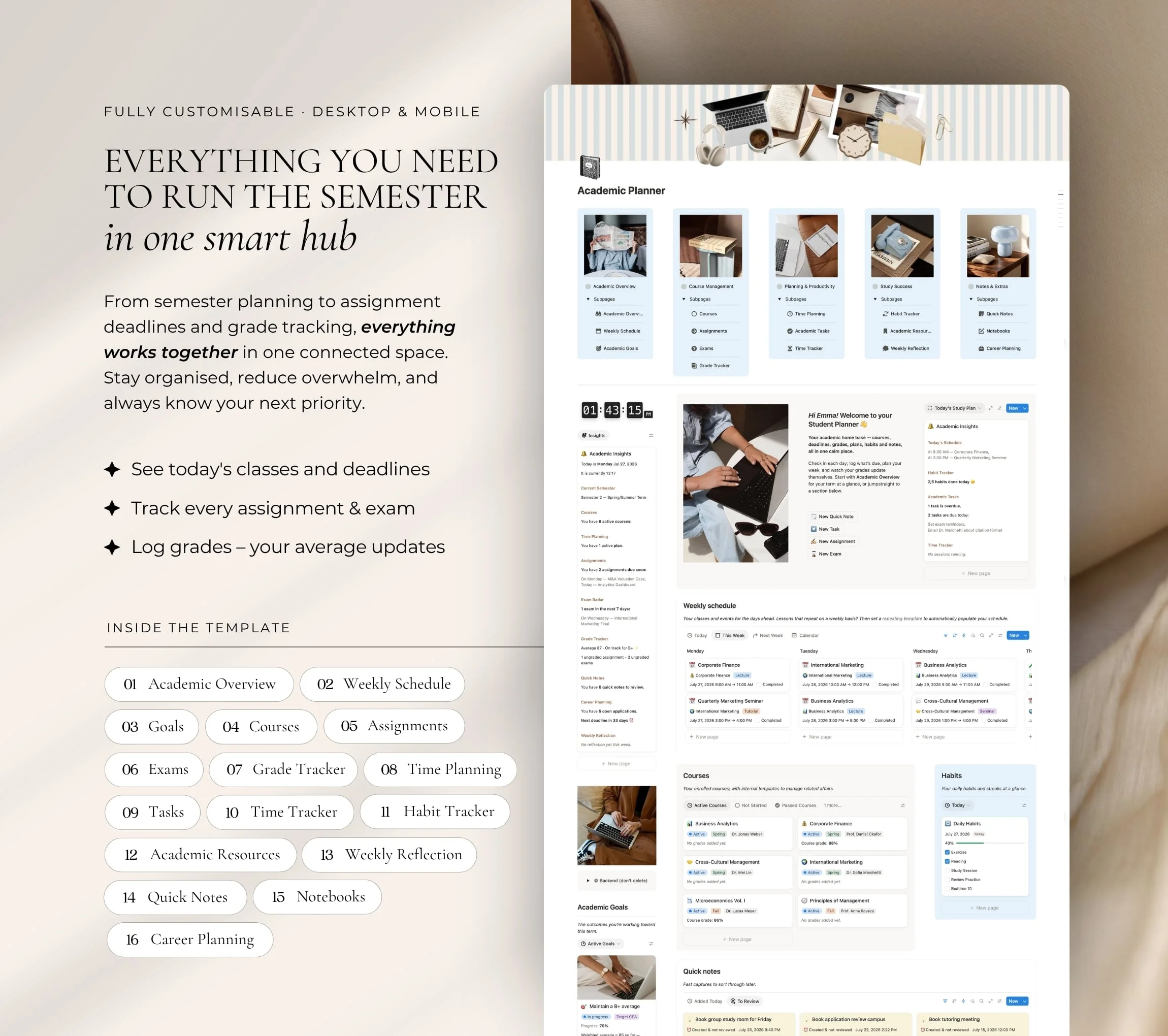
- See today’s classes and deadlines
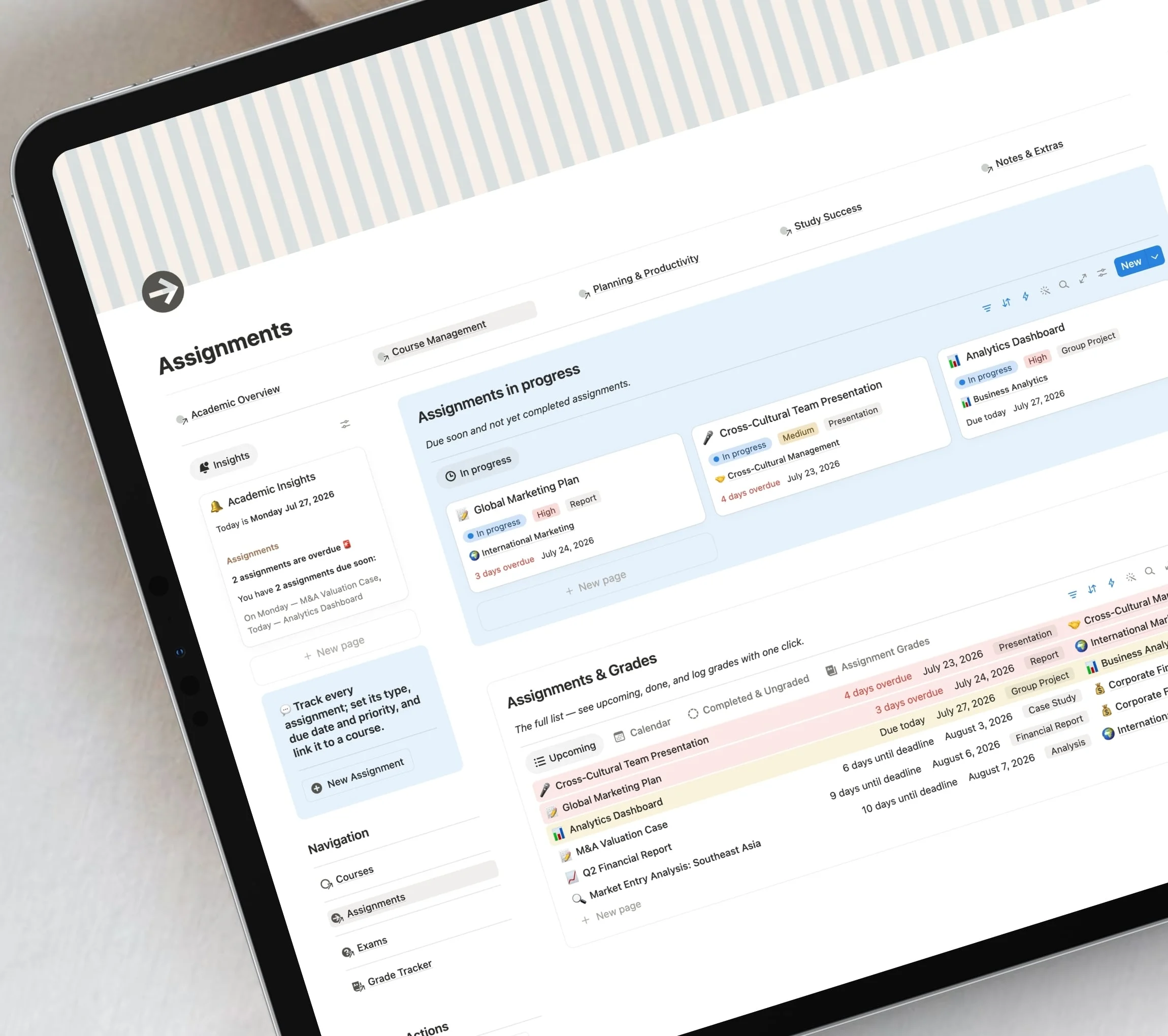
- Track every assignment and exam
- Log grades and watch your average update
- Instant download
- Free Notion plan
- Lifetime access
Prices include VAT for EU customers.Any sales tax is added at checkout. Secure checkout.
Product overview
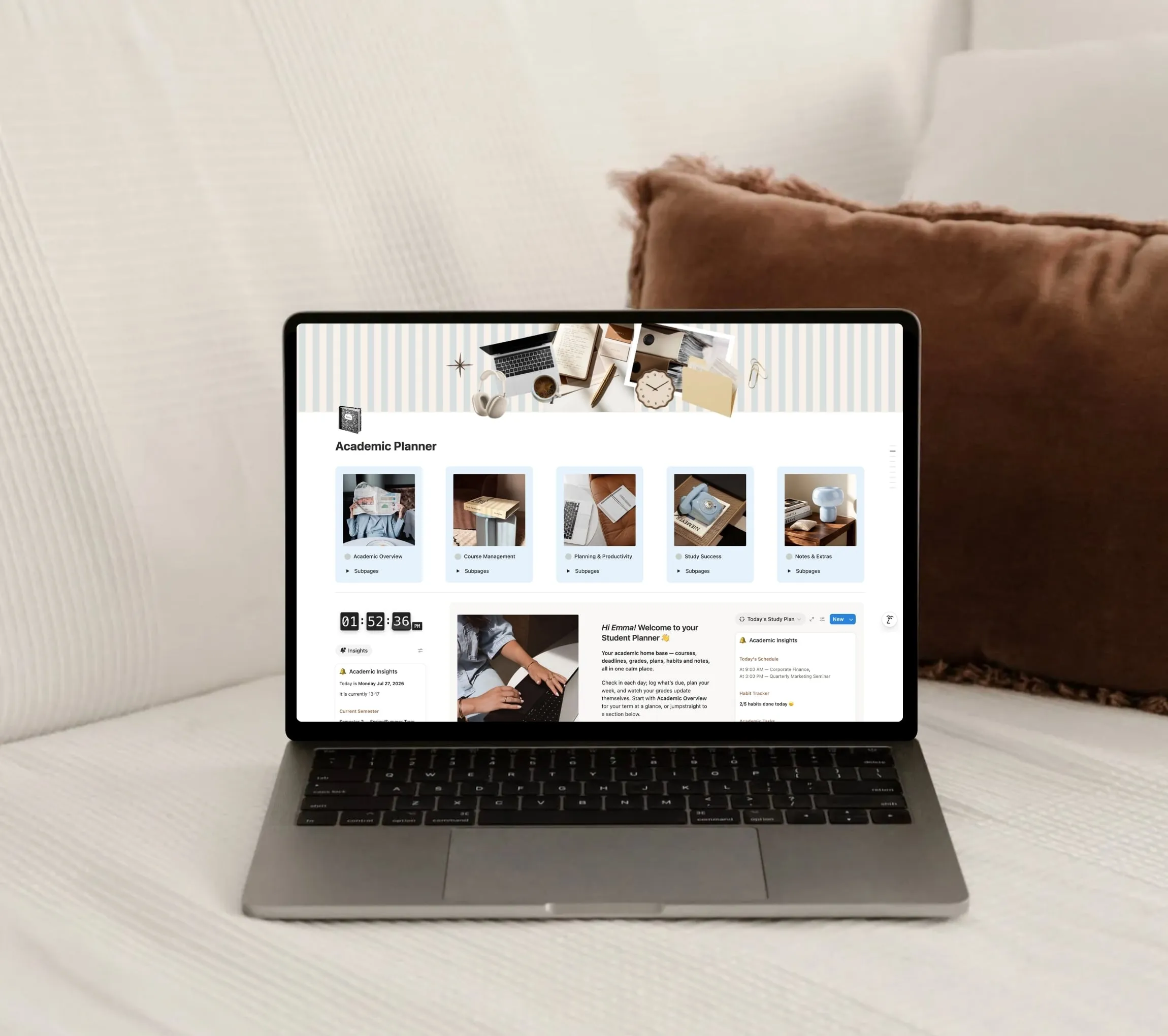
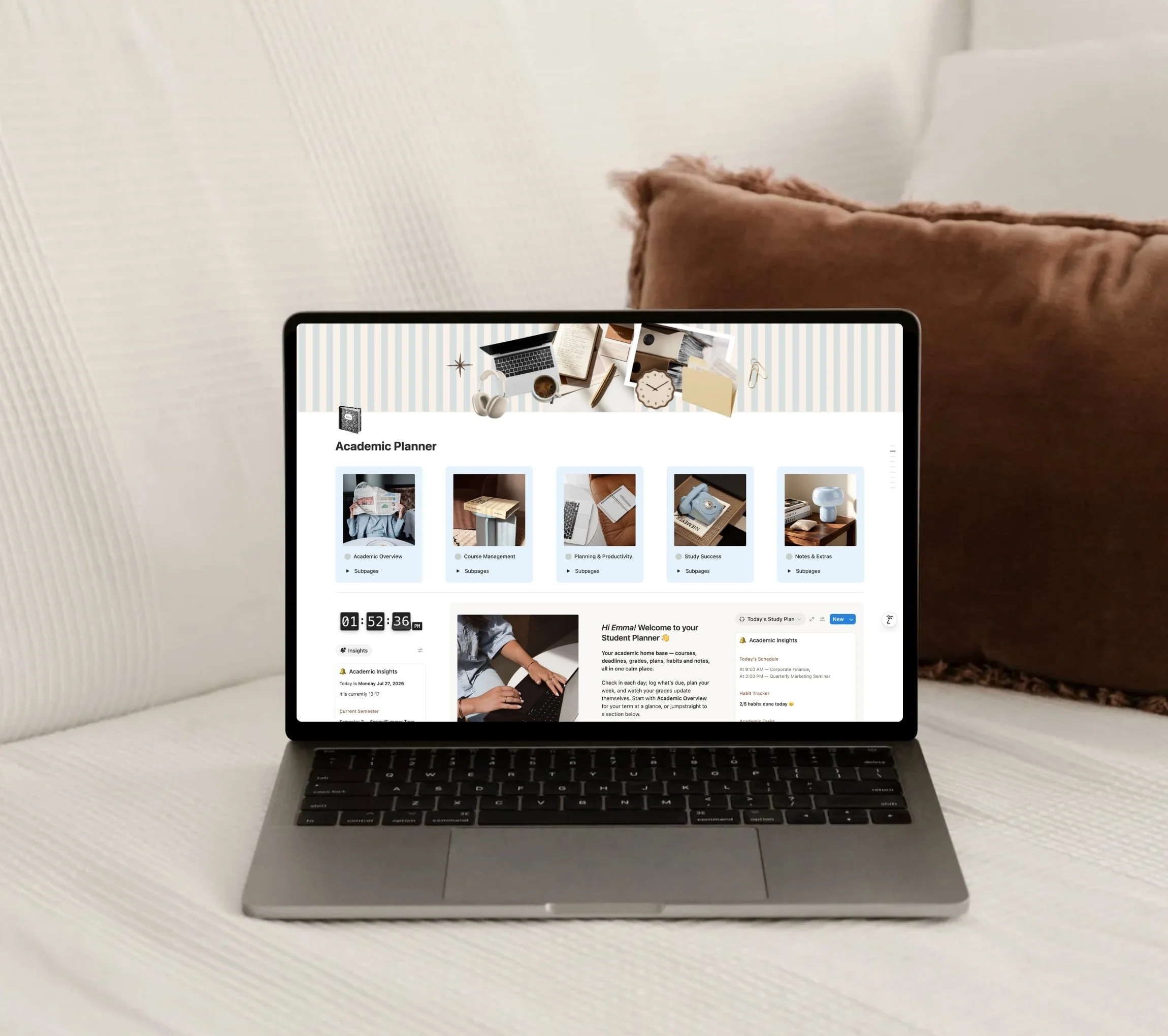
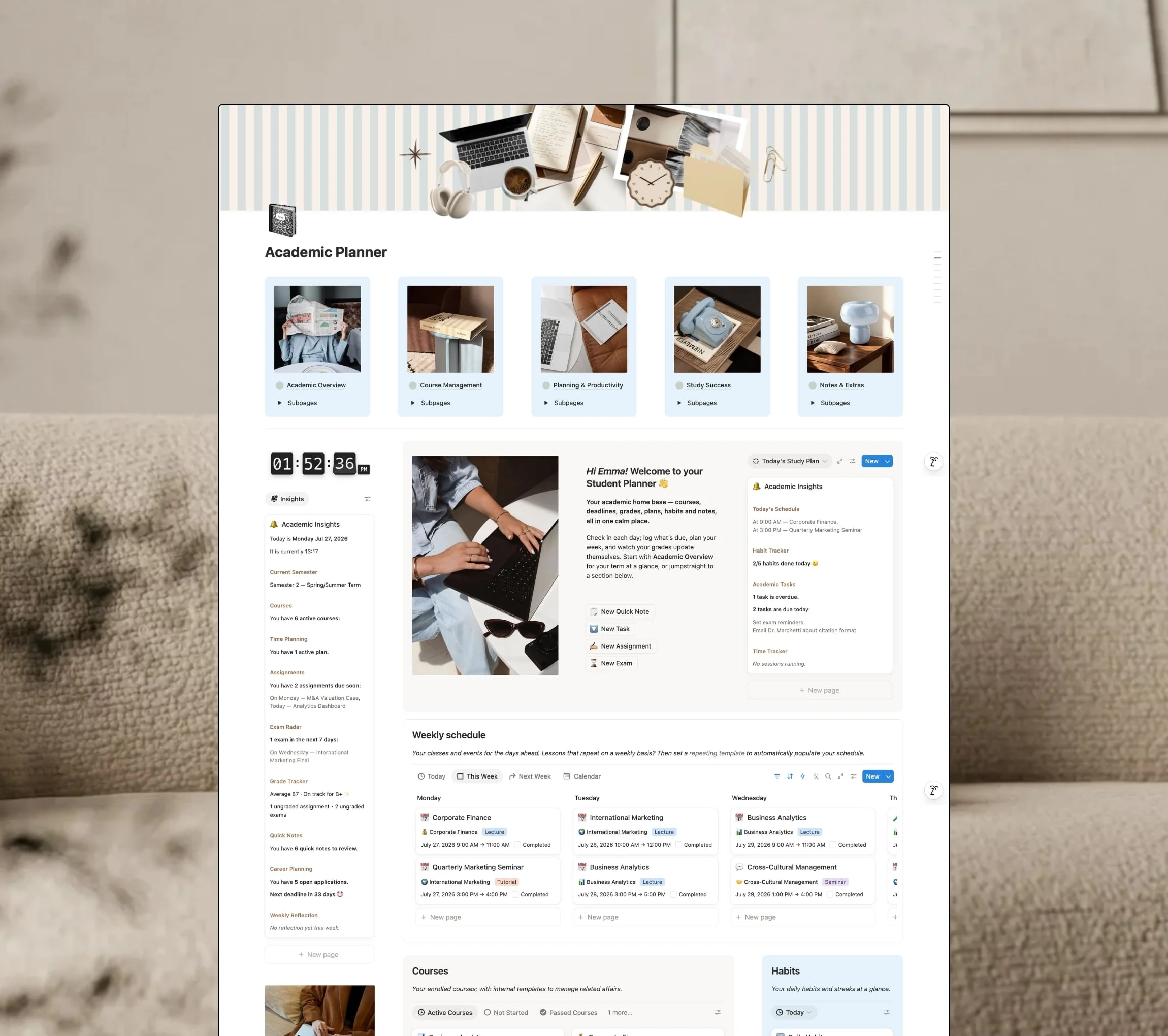
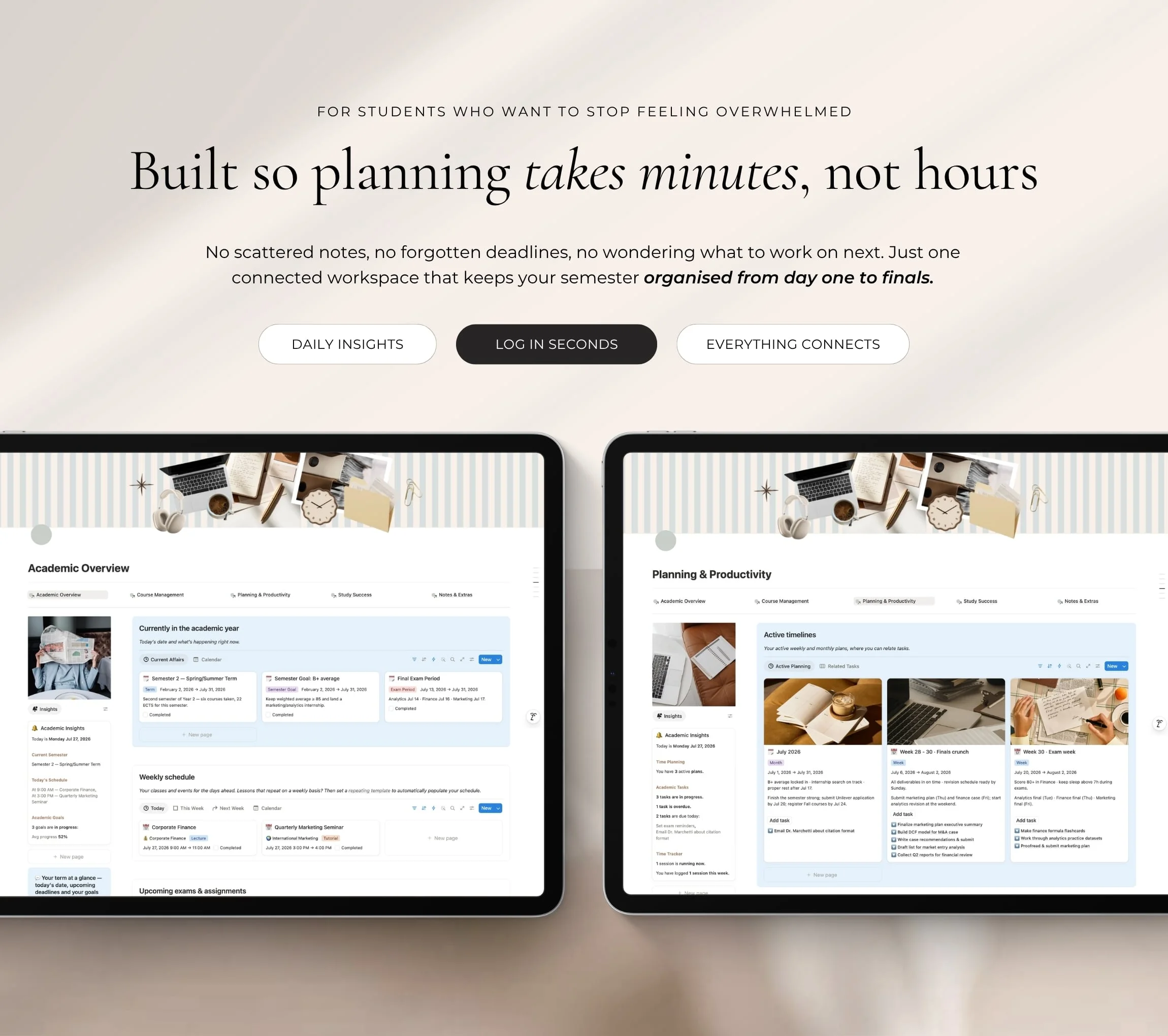
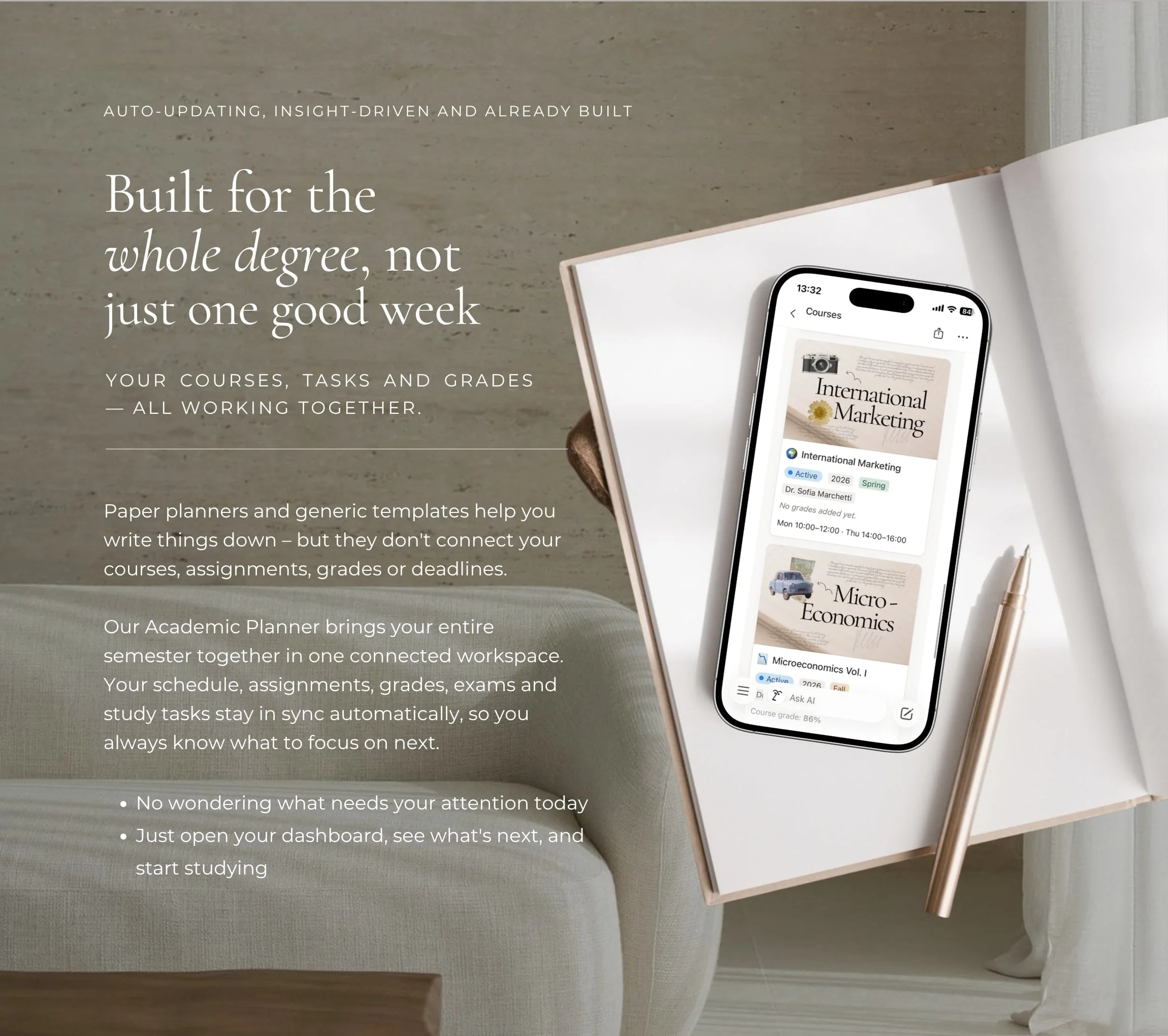
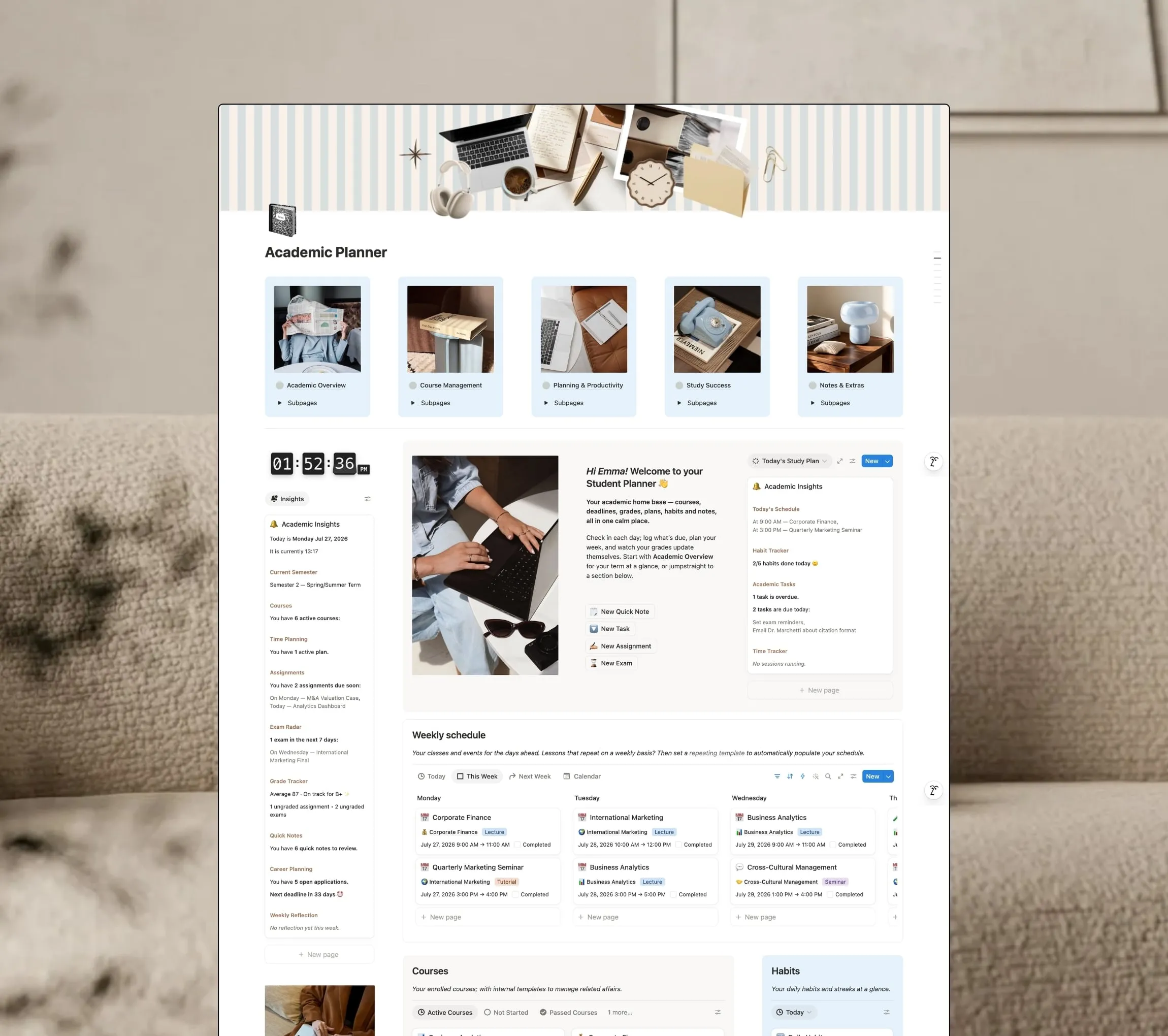
Paper planners and generic templates help you write things down, but they don’t connect your courses, assignments, grades or deadlines. The Academic Planner brings your entire semester together in one connected workspace: five hubs and 16 pages where your schedule, assignments, grades, exams and study tasks stay in sync, so you always know what to focus on next.
What's inside
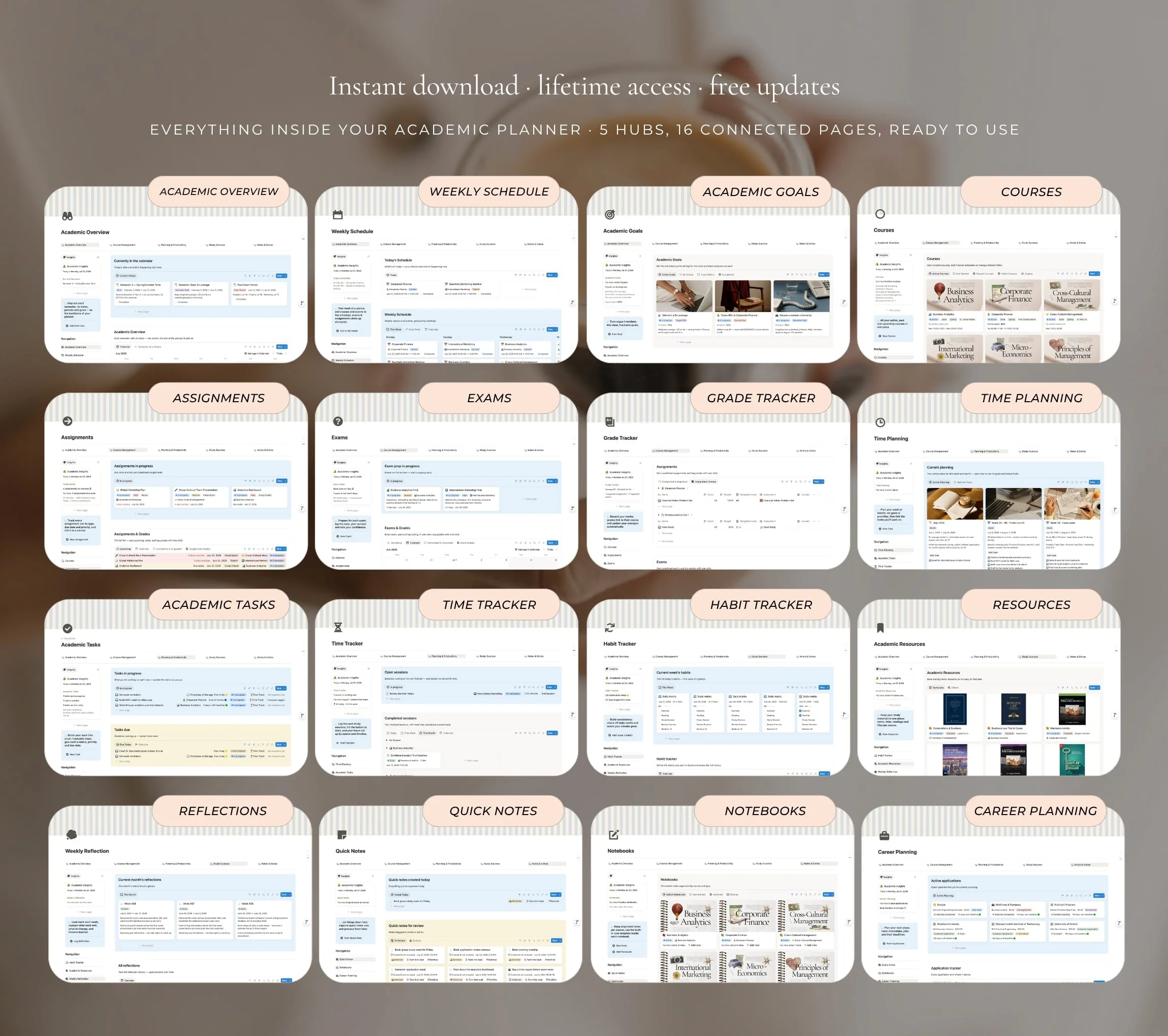
Inside the template:
- Academic Overview
- Weekly Schedule
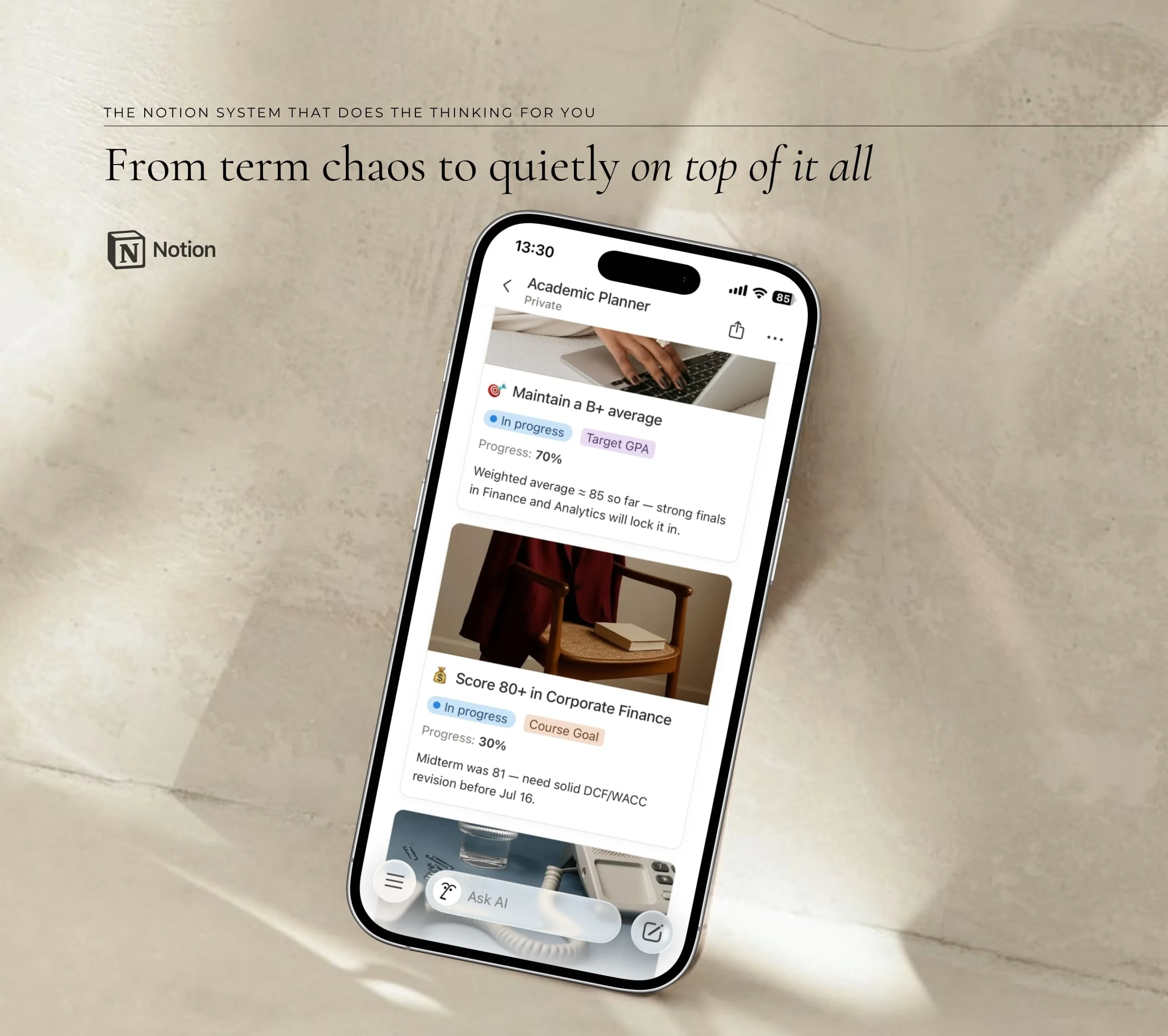
- Goals
- Courses
- Assignments
- Exams
- Grade Tracker
- Time Planning
- Tasks
- Time Tracker
- Habit Tracker
- Academic Resources
- Weekly Reflection
- Quick Notes
- Notebooks
- Career Planning
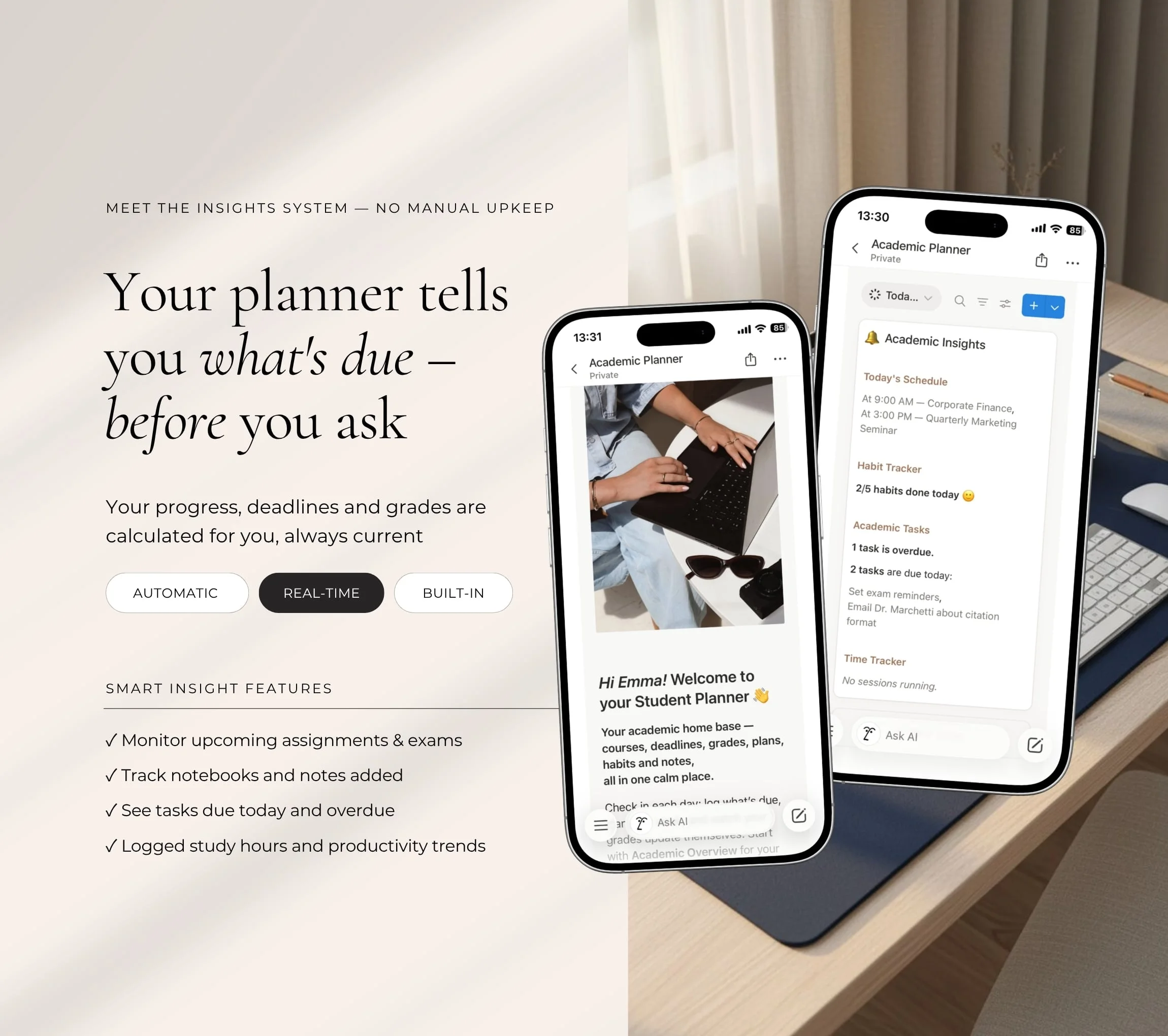
The Insights system
- Upcoming assignments and exams
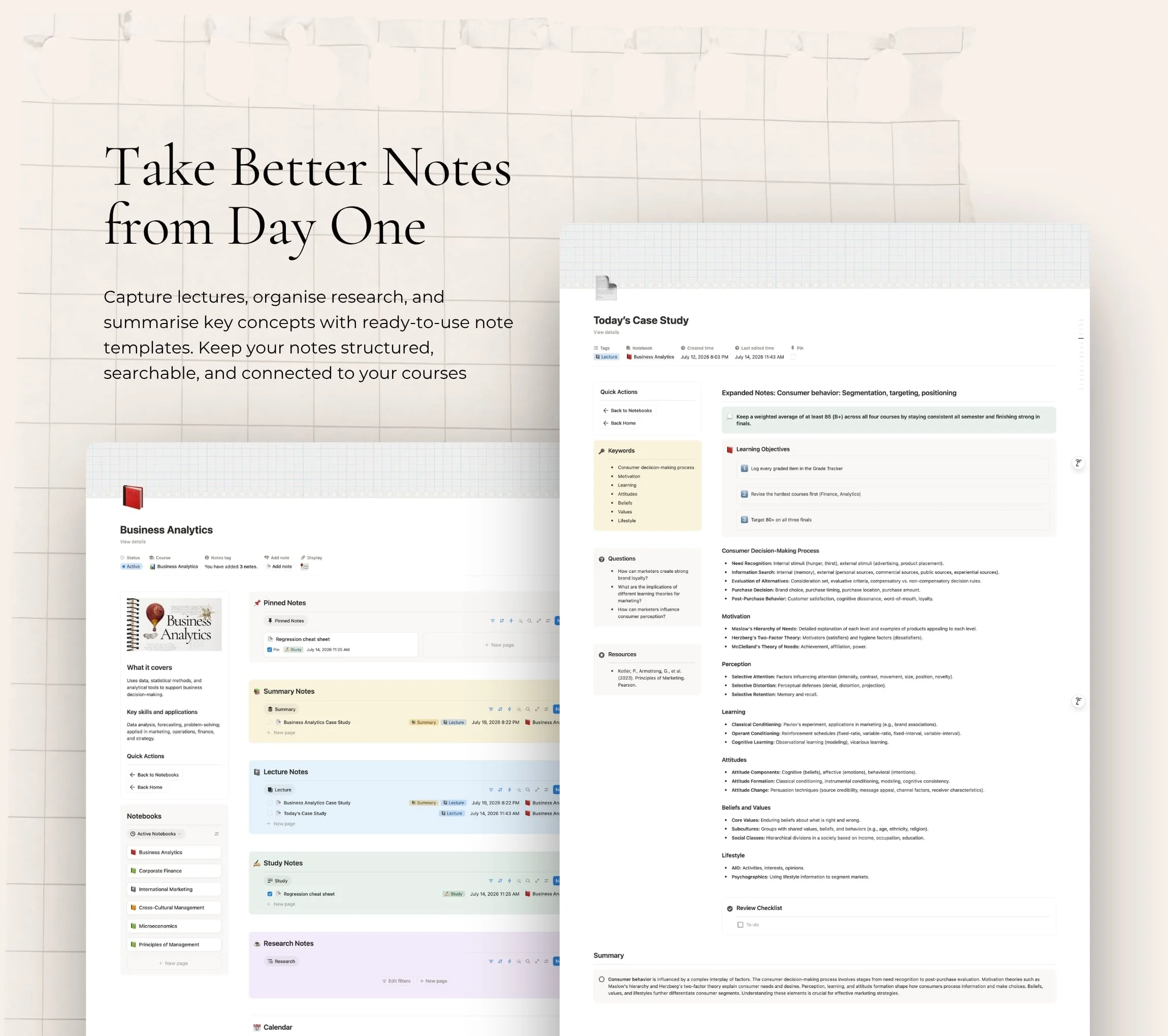
- Notebooks and notes added
- Tasks due today and overdue
- Logged study hours and productivity trends
What you need
A free Notion account. The template works in your browser, on desktop and on the Notion phone app. No advanced Notion skills needed: a step-by-step guide is included.
Delivery & refunds
You get your private template link straight after payment. Open it and click Duplicate to save it to your Notion. As this is a digital product delivered instantly, no refunds will be issued once the purchase is complete.
What's included
Everything inside the Academic Planner
- Academic Overview
- Weekly Schedule
- Goals
- Courses
- Assignments
- Exams
- Grade Tracker
- Time Planning
- Tasks
- Time Tracker
- Habit Tracker
- Academic Resources
- Weekly Reflection
- Quick Notes
- Notebooks
- Career Planning
A Notion system that does the thinking for you
Everything you need to run the semester, in one smart hub
Everything connected
Pages, views and formulas work together, so information flows on its own instead of being copied across.
Know what matters today
The Insights system shows what needs you next, with no manual upkeep.
Made to fit you
Fully customisable, and it works on desktop and on your phone.
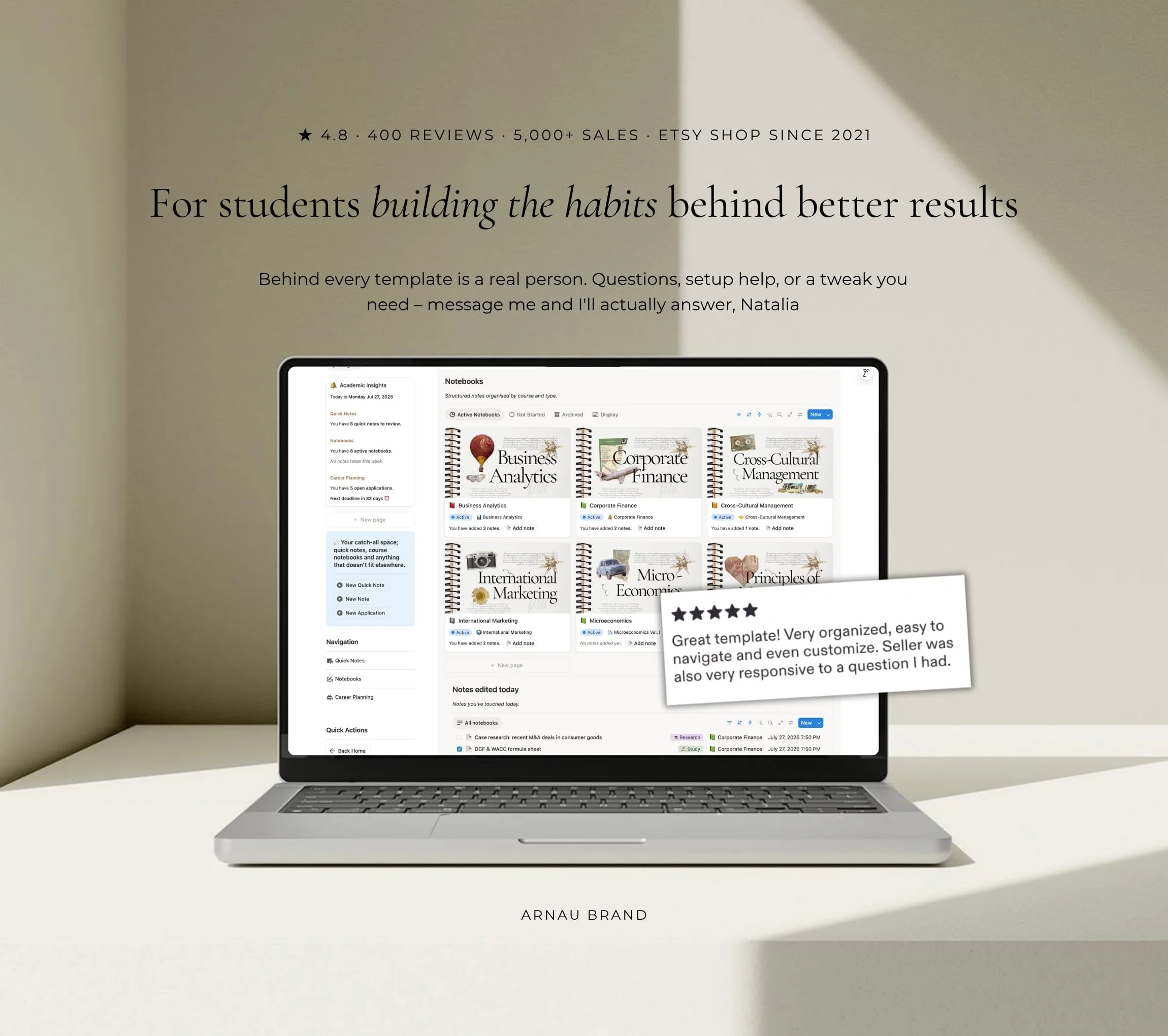
★ 4.8 from 400+ reviews on our Etsy shop
Loved by our planning community
★★★★★
As someone with ADHD, I can't be without a planner. This is hands down the best one I've tried… it covers all the bases… and eliminates the need to use multiple trackers.
Michelle · Life Dashboard 2024
★★★★★
As a gym bro who has tried different meal/macro tracking apps, this template has blown me away! Super easy to use and it looks great! Saves me loads of time and effort. Great work!
Michael · Nutrition Planner
★★★★★
This is my second year buying the Life Dashboard planner and it's gotten even better!!! … this planner is my LIFELINE.
Averi · Life Dashboard 2025
Your next chapter starts here
Get your planner in two minutes
Your Academic Planner is ready the moment you check out. No setup weekend and no advanced Notion skills: duplicate it into your workspace and start with the guide inside.
- 01Add the Academic Planner to your cart.
- 02Check out securely and open your private link.
- 03Click Duplicate to save it to your Notion.
- 04Follow the guide and start enjoying your planner.
Works on Notion's free plan, on desktop and on your phone.
See all planners
Frequently asked questions
Everything you need to know before you start with your new planner.
Do I need to know how to use Notion?
No. Each planner comes with a beginner-friendly guide and short instructions inside every section, so you can start with one page and grow from there.
Do I need a paid Notion subscription?
No. Every planner works on the free Notion plan, on desktop and on your phone.
Can I use my template on my phone?
Yes. Once it's in your Notion, it opens in the Notion app on your phone as well as on desktop and in your browser.
Can I customise it?
Yes. Every planner is fully customisable on desktop and mobile, so you can rename pages, change the visuals and adjust the views to suit you.
How do I receive my template?
Right after payment you'll see your private template link on the thank-you page, and we email it to you too. Open it, click Duplicate, and it's in your Notion.
Can I get a refund?
As this is a digital product delivered instantly, no refunds will be issued once the purchase is complete. Please ensure you have carefully reviewed the product description before purchasing. At checkout, you will be asked to tick a box confirming that you want instant access to your template and that you understand this ends your 14-day right of withdrawal.
Keep exploring